The Showcase Showdown at MGM
Back on March 13th, the legendary Boston punk rock band The Showcase Showdown reunited for their first show since 2000, opening up for the Dropkick Murphys at the MGM Music Hall at Fenway. The energy in the pit was absolutely electric, and it was incredible to hear tracks like “Duty Free” and “Police, Police” live again after over two decades.

To make sure the responsive iframe resizing is working properly on mobile and desktop, I am embedding the full set video below. Mixing standard text blocks with this embedded video should help verify that our margins are playing nicely together.
Or, if the shortcode isn’t properly initialized in the current environment, here is the raw iframe embed block for testing:
If the typography flows well around the image and the video scales smoothly without breaking the container width, this foundation is officially solid!
Reliable Servers
Setting up a reliable home network and self-hosted environment is an ongoing journey that always seems to demand just one more weekend project. There is a unique satisfaction in taking a bare-metal machine, loading it up with a fresh Ubuntu installation, and watching it spring to life. Whether it is routing traffic securely through a tunnel or just ensuring local services are snappy, building the foundational layer is the most crucial step. It sets the stage for everything else that follows, demanding careful planning, reliable hardware, and a bit of patience.

Once the base OS is humming along smoothly, the real fun begins with orchestration and management. Relying on Docker Compose has completely transformed how applications are deployed and maintained in the homelab. Instead of untangling messy local dependencies, spinning up a new service or tearing down an old experiment is as simple as tweaking a few lines of configuration and executing a quick terminal command. This containerized approach not only keeps the host system remarkably clean but also makes routine backups and potential migrations virtually painless.
With the core infrastructure solid, the focus naturally shifts to automation and making the environment actually work for daily life. Integrating Home Assistant into the stack opens up endless possibilities for fine-tuning the physical space. Crafting precise YAML scripts to trigger door alerts or configuring security camera feeds to monitor very specific zones—like the asphalt just above a walkway—requires a meticulous eye, but the payoff is a highly responsive, customized setup. It is less about tech novelty and more about creating a seamless, invisible layer of utility around the house.

Of course, interacting with all these complex systems requires a workstation that is just as dialed in as the servers themselves. The tactile feedback of a freshly deep-cleaned mechanical keyboard and the ergonomic perfection of a pro-level, heavy-duty monitor arm make long hours of troubleshooting significantly more comfortable. Investing time in manually configuring the physical workspace pays dividends when you are deep in the weeds of a complex deployment or migrating a large batch of files. It is a constant reminder that the hardware we touch every day is just as important as the software running quietly in the background.
Ultimately, maintaining this digital ecosystem is an evolving process of learning, breaking things, and fixing them better than before. This post serves primarily as a test to ensure that layout formatting, typography, and inline media rendering are functioning correctly across the site’s current infrastructure. Seeing a clean deployment—both in the configuration files and on the published front-end page—makes all the behind-the-scenes effort worthwhile.
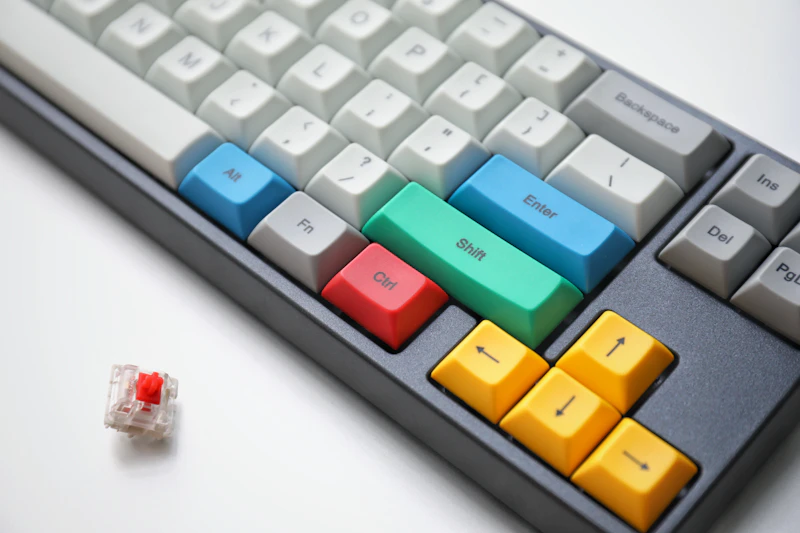
Clean day at work
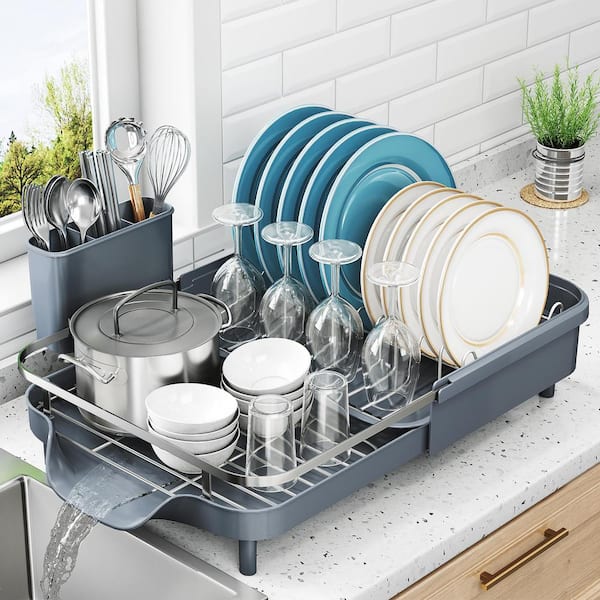
Here is a picture of the (dish)rack I was working on:
Archive
- May 26, 2026 AI, Punk Rock, and Custom Playlists
- May 25, 2026 The Anatomy of a Pro-Level Workstation
- May 24, 2026 Streamlining Local Deployments with Docker Compose
- May 23, 2026 Advanced Home Assistant Automation Logic
- May 22, 2026 Data Validation and Complex Formulas in Sheets
- January 1, 0001 All Posts Archive